Free Fancy Text Generator – Cool Fonts to Copy and Paste
Turn ordinary text into stylish letters with our free fancy text generator. Explore cool fonts, cursive styles, cute letters, and decorative text you can copy and paste into supported apps and websites. Type your text, choose a style you like, and use it for your bio, captions, messages, or username.
Free Fancy Text Generator- Create Cool Fonts Online
A fancy text generator makes it easy to turn normal words into stylish and creative text in just a few seconds. With this simple font generator, you can explore a variety of cool fonts and free fancy fonts without installing any software or special apps. Just type your text, choose the style you like, and copy the result wherever you want to use it. Whether you want to create fancy text online for an Instagram bio, social media post, username, gaming profile, caption, or personal message, the tool gives you plenty of creative options to make your text look more unique and eye-catching.
How to Use the Fancy Text Generator?
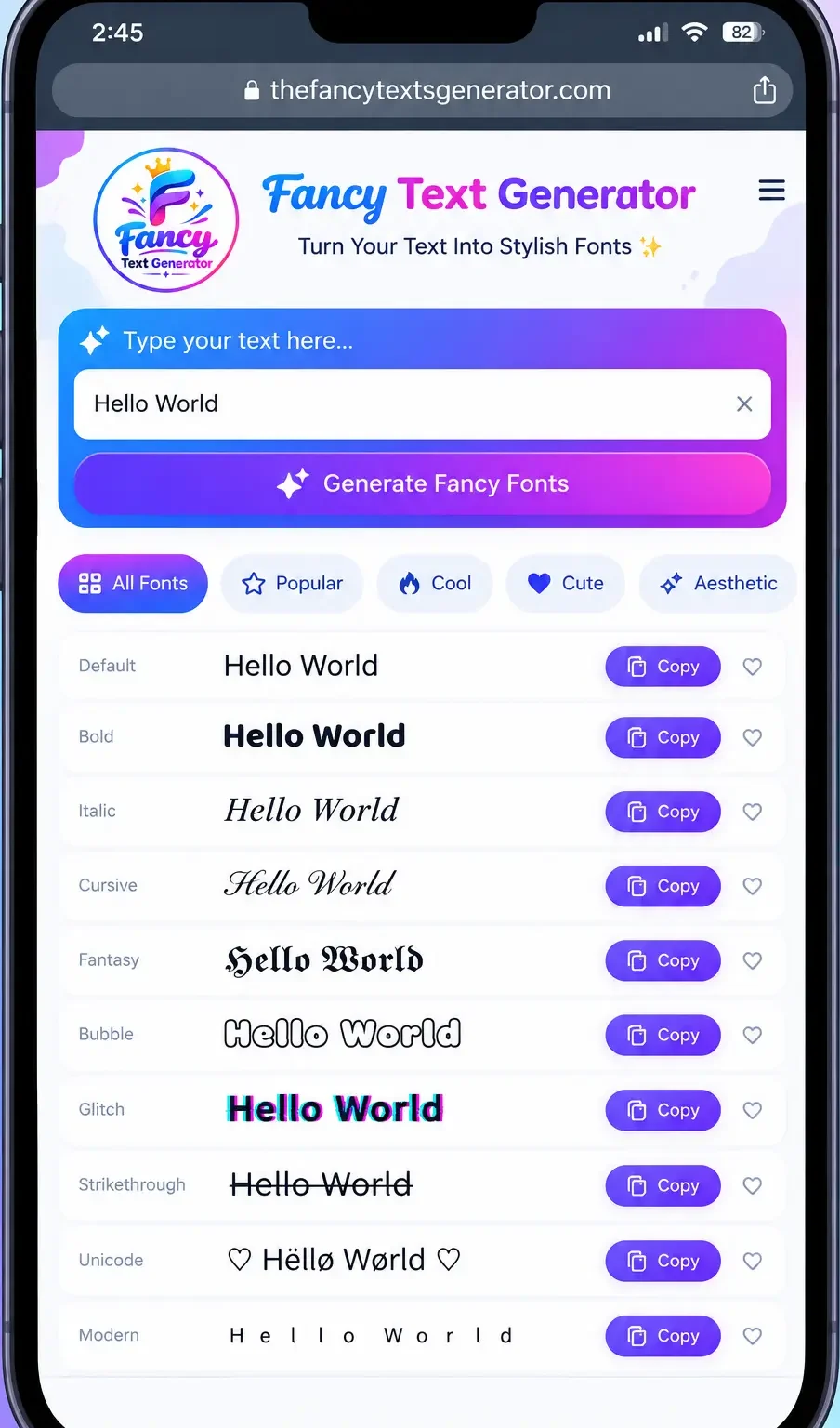
Creating fancy text takes just a few steps. You do not need to install a font or download an app to try the available styles.
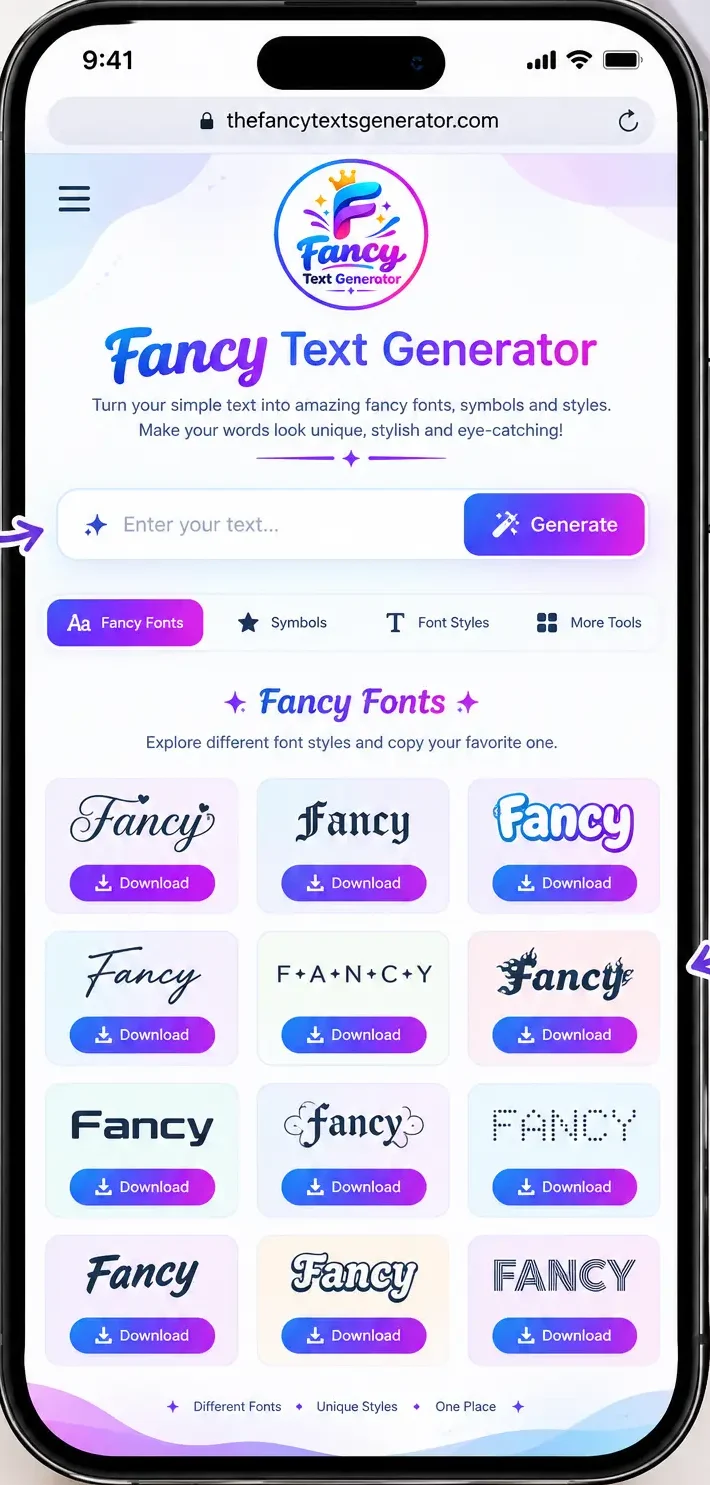
Enter Your Text
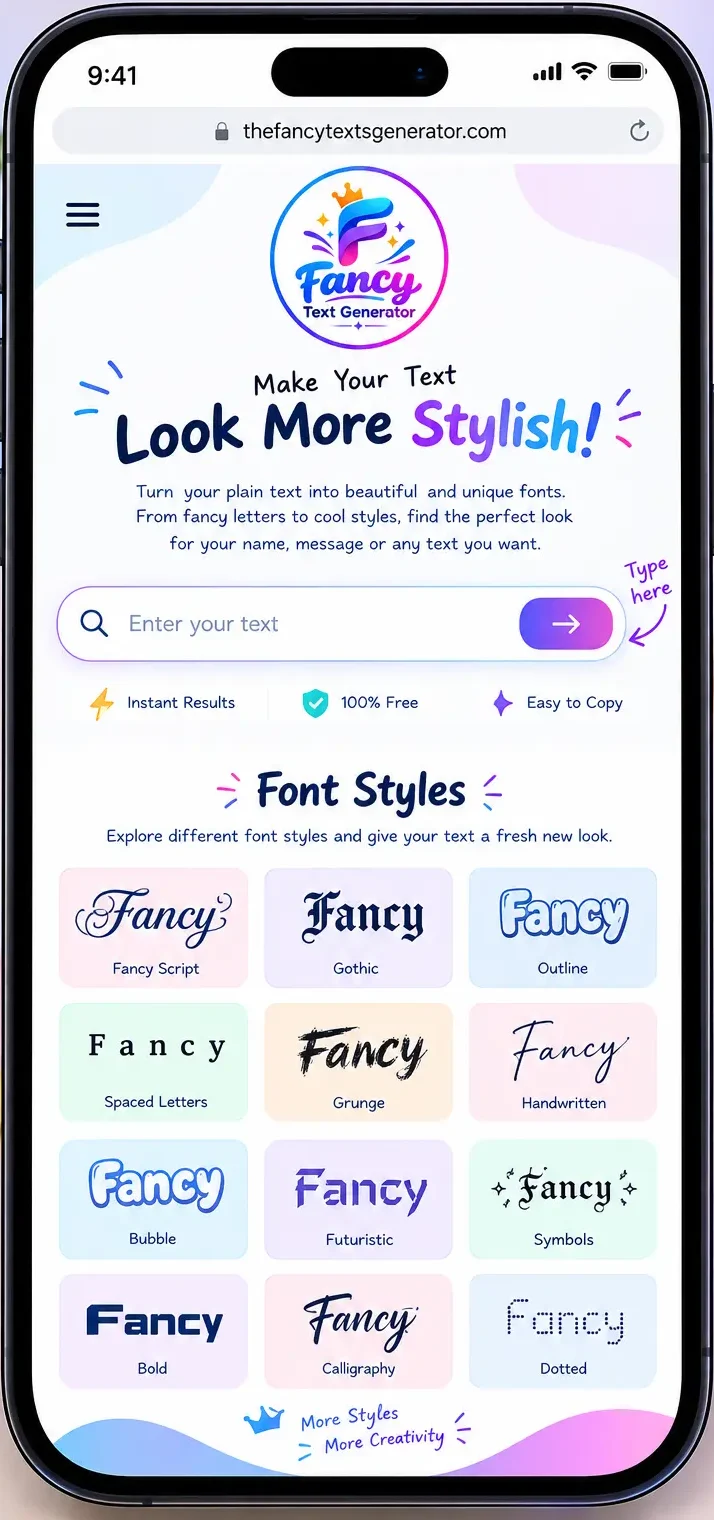
Enter your name, a word, or a short message in the input box.
Choose your Favourite Style
Browse the generated options to find a look you like.
Copy Your Fancy Text
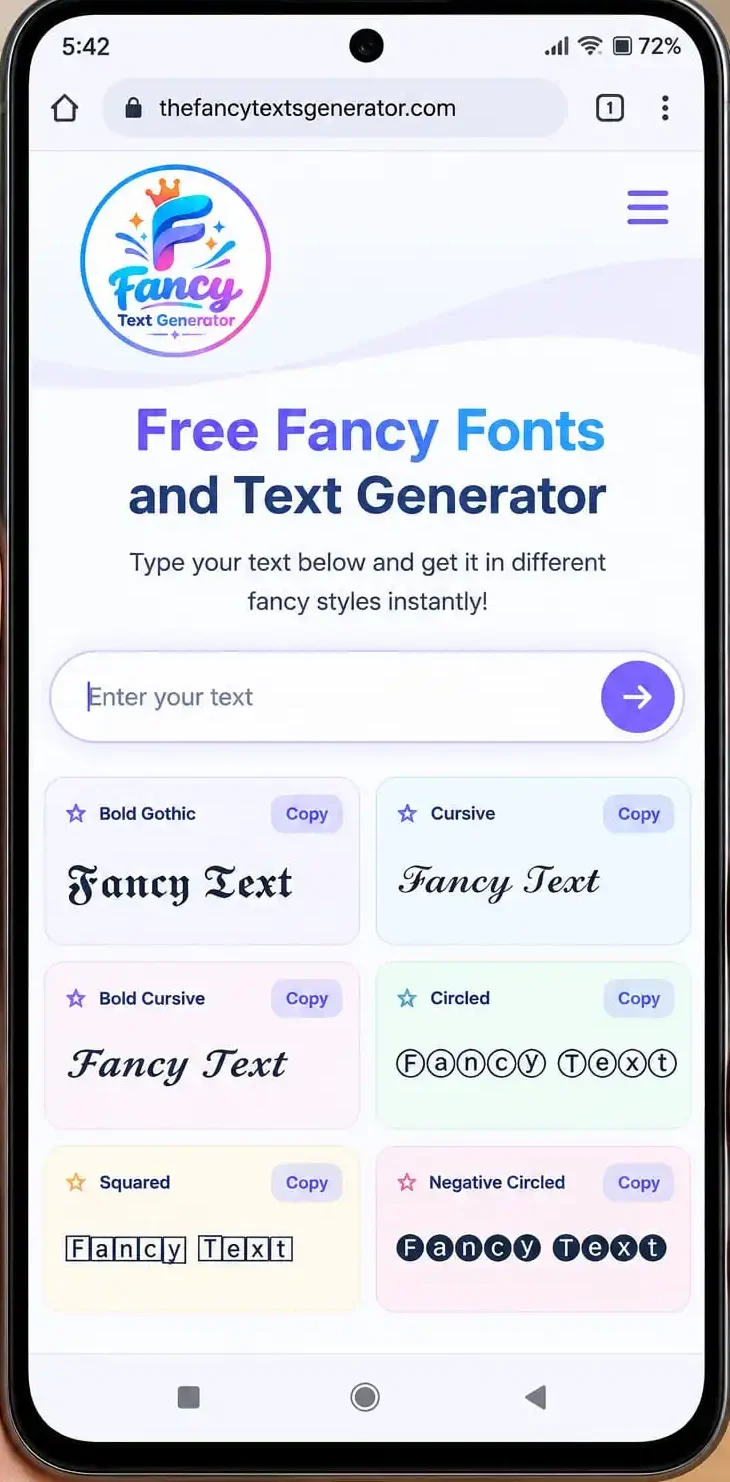
Click the Copy button beside the style you want to use.
Paste It Anywhere
Add the copied result to a supported profile, caption, message, or other text field.
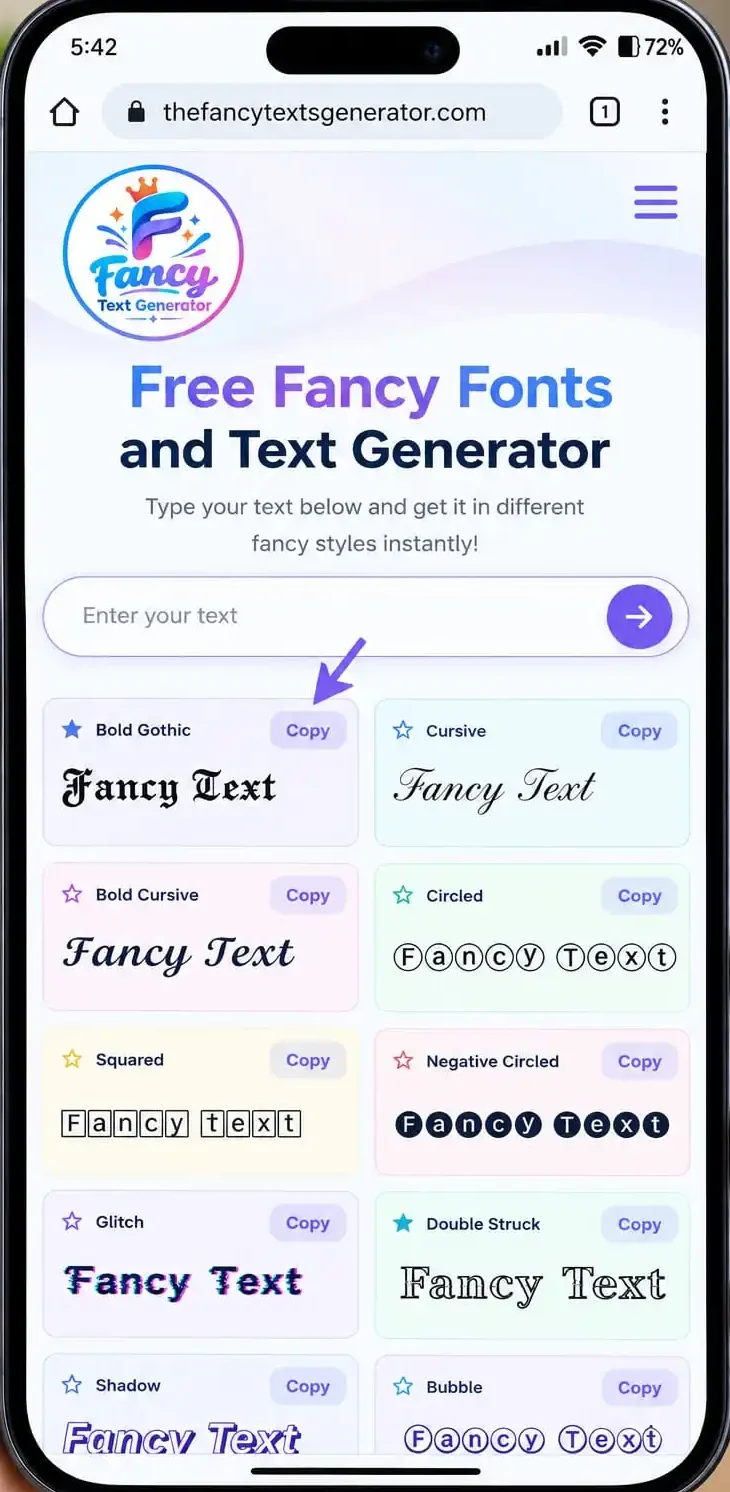
You can try different styles using the same text until you find one that fits your needs.
Cool Fonts and Copy and Paste Fonts
Want to make your text look different without installing a new font? This tool converts ordinary text into a range of decorative Unicode character styles that you can copy and paste where supported.
Explore bold letters, cursive text, bubble styles, small caps, Gothic lettering, circled characters, and more. Use them for short captions, profile details, messages, creative names, and other text that could benefit from a different look.
The best style depends on where you plan to use it. Choose readable characters for important information and more decorative styles for short words or phrases.
Popular Font Styles to Try
Different styles suit different purposes. Here are some common options you can explore in the generator.
Bold and Italic Styles
Make your text stand out across the platforms you Bold and italic-looking characters can help short words or phrases stand out. Try them for a profile description, a caption, or a message where you want to emphasize a few words.
Cursive and Script Styles
Cursive and script-style characters give text a flowing, handwritten appearance. They are often suitable for names, short bios, and decorative captions.
Cute and Bubble Letters
Cute and bubble-style lettering creates a playful appearance. Try it for nicknames, friendly messages, and creative profile text.
Gothic and Decorative Letters
Gothic and other decorative styles offer a more dramatic look. They can work well for gaming names, short titles, and personal profiles, provided the characters are supported by the platform.
Small Caps and Monospace Styles
Small caps create a compact, distinctive look, while monospace-style characters resemble text with evenly spaced letters. These styles can help you experiment with different visual effects.
Circled, Squared, and Double-Struck Characters
These styles place letters in decorative forms or use mathematical Unicode characters with a different appearance. They can be useful for short labels, names, and creative text.
Upside-Down and Zalgo Text
Upside-down text creates a playful reversed-looking effect. Zalgo-style text uses combining marks to produce a distorted appearance. Use heavily decorated styles carefully because they may be harder to read or may not display consistently.
Font Changer – Change Text Style Online
A font changer lets you transform the appearance of your text without manually changing each character. Enter your words once and compare the available styles to find one that matches your purpose.
Use this tool to explore different text appearances, including bold, cursive, cute, and decorative styles. When you find a result you like, copy it and paste it into a supported app or website.
Keep in mind that a fancy text generator is not the same as a traditional font editor. Most styles here use Unicode characters rather than creating a downloadable font file.
Cute Fonts, Pretty Letters, and Aesthetic Text
Looking for cute fonts or a more aesthetic style? Try decorative letters that give your name, bio, or caption a softer, playful, or more distinctive appearance.
You can compare cute lettering, cursive styles, small caps, and other available variations. A short phrase usually works better than a long paragraph because decorative characters can be harder to read in large amounts.
Choose a style that suits your personality while keeping your text clear enough for other people to understand.
Instagram Fonts for Bios and Captions
Instagram fonts can help you give your profile text, bio, or caption a different appearance. Type your words into the generator, choose a style, copy the result, and paste it into a supported Instagram text field.
For the best result, keep decorative text brief. Your profile should still be easy to read, and important information should remain clear. Some characters may appear differently depending on the device or app.
Tip: Preview your bio after pasting the text to make sure the style looks the way you intended.
[: Read our Instagram Fonts guide.]
Fancy Text for Facebook, TikTok, X, and Discord
You can try decorative text in supported profile fields, captions, posts, and messages on different social platforms. Generate your preferred style, copy it, and paste it into the field you want to update.
Facebook Fonts
Experiment with stylish text for supported profile details, posts, or short status updates. Keep longer messages readable and check the result before publishing.
TikTok Fonts
Try decorative characters in supported profile fields or captions to give selected words a different look. Platform restrictions may affect which characters you can use.
Twitter / X Fonts
Use a text style for a short bio phrase, display name, or post where the platform allows those characters. Make sure your text remains easy to understand.
Discord Fonts
Explore different styles for messages, nicknames, and supported profile fields. Server settings and username rules may limit which characters are accepted.
Not every platform supports every character, so always check the final result after pasting it.
Fancy Name Generator and Symbols
Turn your name, nickname, or gaming tag into a more distinctive-looking text style. Enter your text, compare the generated variations, and copy the version you like.
You can also combine your text with suitable decorative symbols to create a personalized look. Keep the name recognizable if you want friends or other users to find you easily.
A generated style does not guarantee that a username is available or accepted. Each website, app, and game has its own rules about allowed characters and name length.
[Explore our Gaming Usernames ideas.]
Cursive Font Copy and Paste
Cursive text gives letters a flowing, handwritten-style appearance. It can be a good choice for short names, bios, captions, and decorative messages.
Enter your text and compare the cursive or script variations available in the generator. Some letters may look different from traditional handwriting, and not every character has a matching cursive version.
For longer messages, consider using a simpler style so your text stays readable.
How Does a Unicode Text Generator Work?
Many fancy text styles use Unicode, a standard that assigns codes to characters from many writing systems and symbol sets. Some decorative styles use separate Unicode characters that resemble ordinary letters in a different design.
That is why certain styles can be copied and pasted into supported text fields without installing a new font file. The receiving app displays the characters using the fonts and character support available on that device.
However, not every decorative style is supported everywhere. Some characters may look different across devices, and unsupported characters can appear as empty boxes or replacement symbols.
Do Fancy Fonts Work Everywhere?
Fancy text may work in many supported apps and websites, but no style is guaranteed to display identically on every device or platform.
If a character looks incorrect, try a simpler style. If a username is rejected, check the platform’s character rules. For important messages, profile information, and accessibility, prioritize readable text over complicated decorations.
Remember that decorative Unicode characters are not a replacement for proper font files when you need to design a website, create a graphic, or install a typeface.
Unicode Text Generator
Make your everyday text more expressive with our Unicode Text Generator, which turns ordinary words into stylish characters you can easily copy and paste. Explore different text styles for your social media bios, usernames, captions, and messages without installing extra fonts or apps. Just type your text, pick your favorite design, and give your words a fresh, creative look.
What Is Unicode Text?
Unicode text uses a universal character standard that allows letters, numbers, symbols, and characters from different languages to work across digital devices and platforms. It also makes many stylish text designs possible, letting you copy and paste decorative characters into social media bios, usernames, captions, and messages. Unlike regular font changes, these styles often use different Unicode characters, so their appearance and compatibility may vary across apps and devices.
Are Fancy Fonts Real Fonts?
Not exactly. Most fancy fonts used by online text generators are actually special Unicode characters that look like bold, cursive, gothic, or decorative lettering. Unlike traditional fonts, which change how text appears on your device, these characters can often be copied and pasted into social media bios, usernames, captions, and messages without installing anything. However, some styles may not display correctly on every platform or device.
Why Do Some Fancy Characters Show as Boxes?
Fancy characters sometimes appear as empty boxes because your device, browser, or app doesn’t support the specific Unicode character or have a font that can display it. This can happen when using fancy text in social media bios, usernames, or messages. To fix it, try a different text style, update your device or app, or choose characters that are more widely supported across platforms.
FAQS
Conclusions
Give your words a unique look with our Fancy Text Generator! Explore cool fonts, stylish text, and creative symbols for your social media bios, captions, gaming usernames, and messages. Simply type your text, choose your favorite style, and click Copy to use it wherever you like. Create eye-catching fancy text in seconds, for free, without downloading any software.