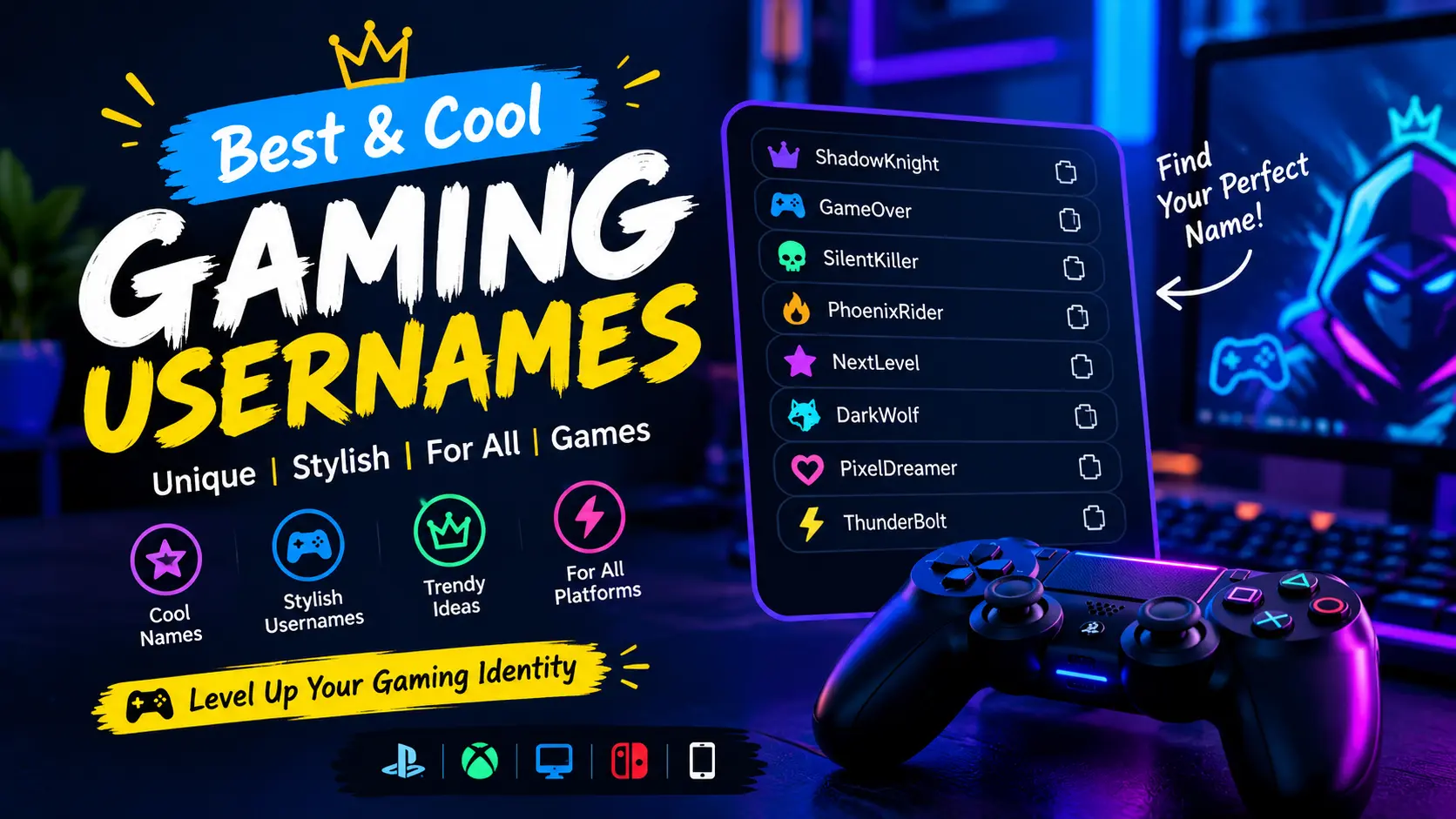
How to Make Stylish Gaming Usernames With Fancy Text
Your gaming username is often the first thing other players notice about you. A creative name can reflect your personality, favorite gaming style, or the identity you want to build in a game.
If you want something different from an ordinary username, try stylish gaming usernames made with fancy letters and decorative symbols. You can experiment with bold, gothic, small-caps, and other Unicode text styles without installing a special font.
20 Stylish Gaming Username Ideas
Need inspiration? Start with these examples and personalize them to match your gaming identity.
Bold and Competitive Names
- 𝐃𝐚𝐫𝐤𝐑𝐚𝐠𝐞
- 𝐒𝐡𝐚𝐝𝐨𝐰𝐗
- 𝐕𝐞𝐧𝐨𝐦𝐊𝐢𝐧𝐠
- 𝐁𝐥𝐚𝐳𝐞𝐅𝐢𝐫𝐞
- 𝐍𝐢𝐠𝐡𝐭𝐖𝐨𝐥𝐟
Gothic and Mysterious Names
- 𝕯𝖆𝖗𝖐𝕾𝖔𝖚𝖑
- 𝕽𝖆𝖛𝖊𝖓𝖃
- 𝕭𝖑𝖆𝖈𝖐𝕱𝖆𝖓𝖌
- 𝕾𝖍𝖆𝖉𝖔𝖜𝕳𝖚𝖓𝖙𝖊𝖗
- 𝕹𝖎𝖌𝖍𝖙𝕾𝖙𝖆𝖑𝖐𝖊𝖗
Minimal and Clean Names
- ᴠɪᴘᴇʀx
- ɴᴏᴠᴀ
- ʙʟᴀᴢᴇ
- ᴢᴇʀᴏx
- ʀᴀᴠᴇɴ
Names With Decorative Symbols
- 『Shadow』
- ꧁Nova꧂
- ★Viper★
- 乂Blaze乂
- •DarkWolf•
These are starting ideas, not guaranteed available usernames. You may need to change the spelling or remove symbols to meet a game’s rules.
How to Create Your Own Stylish Gaming Name
Step 1: Choose a Short Name
Start with a nickname, favorite character trait, animal, or gaming-related word. Short names are often easier to remember and recognize.
Step 2: Pick a Text Style
Try bold letters for a strong look, gothic text for a darker aesthetic, or small caps for a compact design.
Step 3: Add a Few Symbols
Stars, brackets, and simple decorative marks can make a name more distinctive. Avoid adding so many that the name becomes difficult to read.
Step 4: Copy and Test Your Name
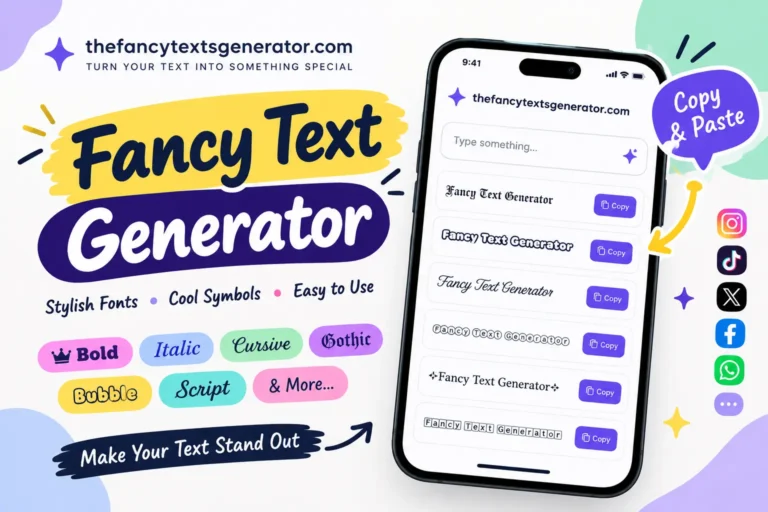
Open the Fancy Text Generator, type your preferred name, and copy the style you like. Test it in your game’s profile or username field before committing to it.
Do Fancy Gaming Fonts Work in Every Game?
No. Different games have different username rules. Some allow a broad range of Unicode characters, while others restrict symbols, character length, or unsupported letters.
A name that works in one game may be rejected in another. Display can also vary by device, so always test your chosen name first.
Tips for Choosing a Better Gamer Tag
- Keep the name easy to recognize.
- Choose a style that matches your gaming personality.
- Check character limits before submitting it.
- Avoid confusing symbols that make the name hard to search.
- Never assume that a decorative name is available or accepted by a particular game.
A good gaming name should look interesting without sacrificing usability.
Frequently Asked Questions
Use a fancy text generator to try bold, gothic, small-caps, or decorative Unicode styles. Copy the result and test it in your game.
Support depends on the game’s current username rules and the particular characters used. Test the name before using it.
You can create many Unicode-based text styles with free online generators. Game-specific naming restrictions still apply.
It may contain unsupported characters, exceed the character limit, or violate the game’s naming rules. Try a simpler name with fewer symbols.
Create a Gaming Name That Feels Like Yours
The best gamer tag is one you enjoy using and other players can recognize. Experiment with different styles, keep the name readable, and make sure it meets your game’s requirements.
Try the Fancy Text Generator to create your own stylish gaming username.