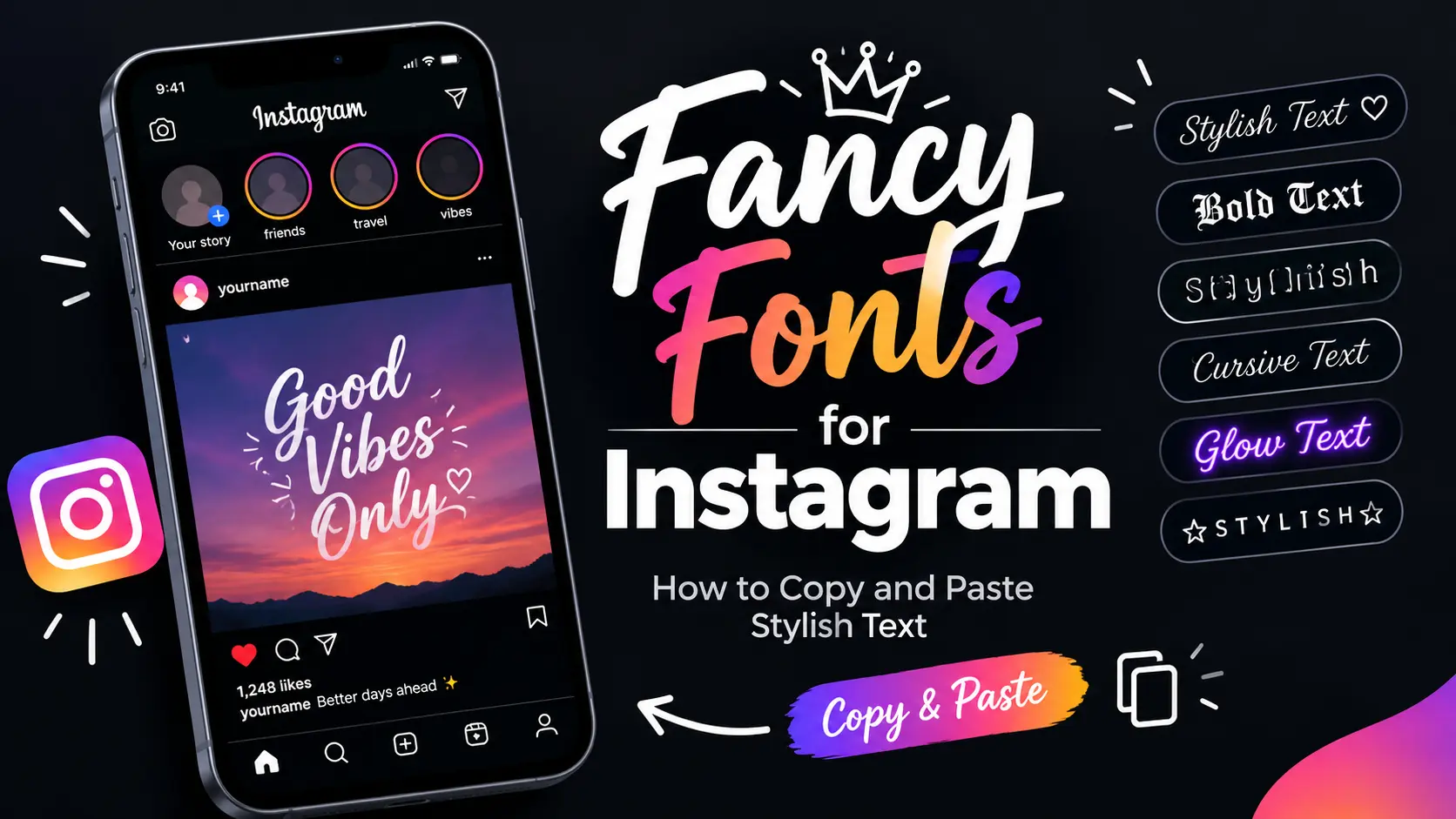
Fancy Fonts for Instagram: How to Copy and Paste Stylish Text
Want to give your Instagram bio, captions, or profile a more personal look? Fancy fonts let you style ordinary text with bold letters, cursive designs, small caps, and other decorative characters without installing a font app.
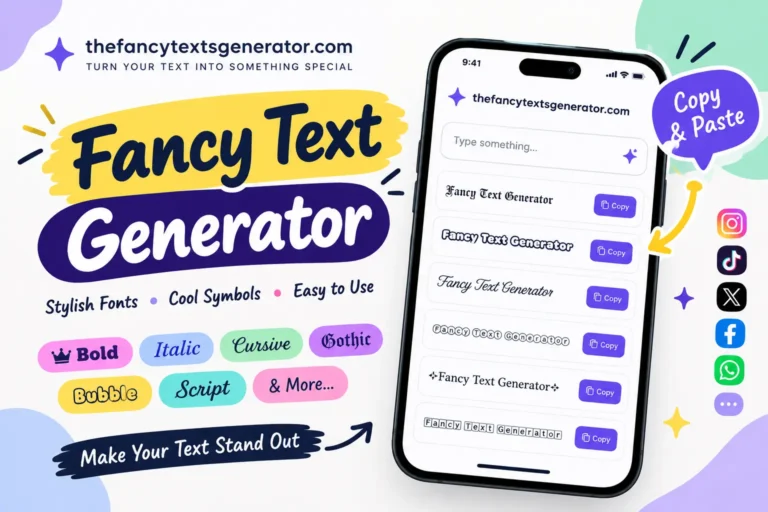
With a free Fancy Text Generator, you can enter your text, compare different styles, and copy the version you like. Then paste it into a supported Instagram text field and preview the result before saving.
In this guide, you’ll learn how Instagram fancy fonts work, which styles to try, how to use them in your bio and captions, and what to do when certain characters don’t display correctly.
What Are Fancy Fonts for Instagram?
Fancy fonts for Instagram are decorative text styles created using special Unicode characters. These characters look different from ordinary letters and can give your profile a bold, elegant, playful, or distinctive appearance.
For example, the words “Good Vibes” can look like this:
- Regular text: Good Vibes
- Bold: 𝐆𝐨𝐨𝐝 𝐕𝐢𝐛𝐞𝐬
- Cursive: 𝒢𝑜𝑜𝒹 𝒱𝒾𝒷𝑒𝓈
- Double-struck: 𝔾𝕠𝕠𝕕 𝕍𝕚𝕓𝕖𝕤
- Small caps: ɢᴏᴏᴅ ᴠɪʙᴇs
These examples use alternative characters rather than a traditional font file. That is why you can often copy the styled text from a generator and paste it into another app.
The exact appearance depends on the characters supported by the app, device, and operating system. Not every style works everywhere.
How to Get Fancy Fonts on Instagram
The easiest way to create Instagram fancy fonts is to use an online text generator. You can do it from a mobile phone, tablet, or computer.
Step 1: Type Your Text
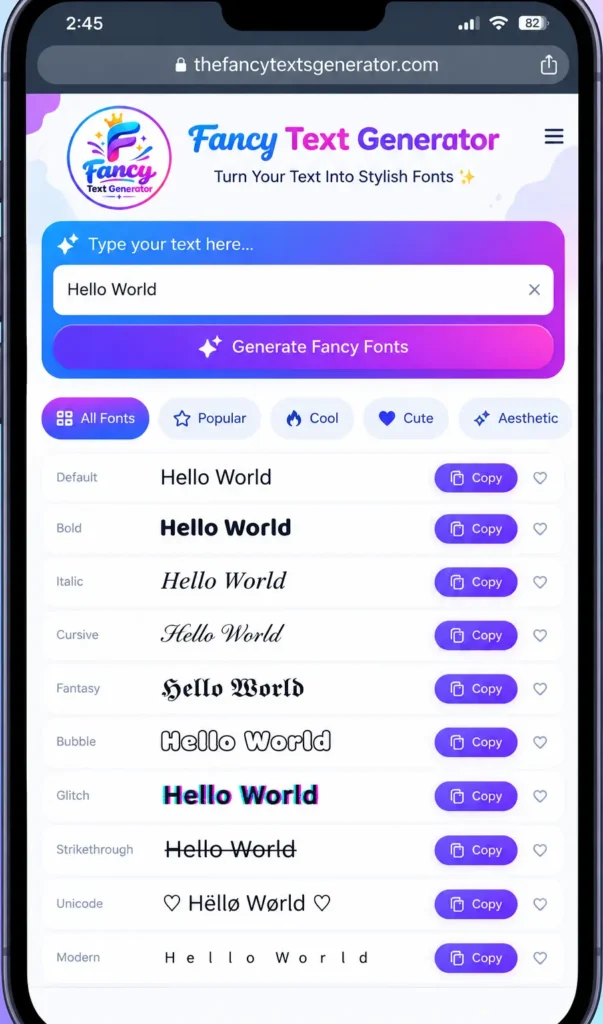
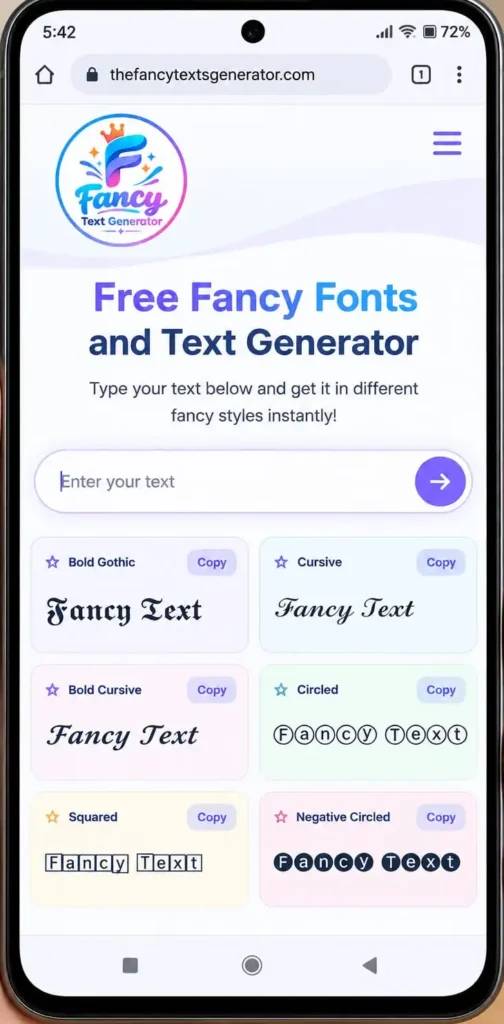
Open the free Fancy Text Generator and type the name, phrase, or message you want to style.
You can try a name, a short bio line, a caption heading, or a few words that describe your personality.
Step 2: Choose Your Favorite Style
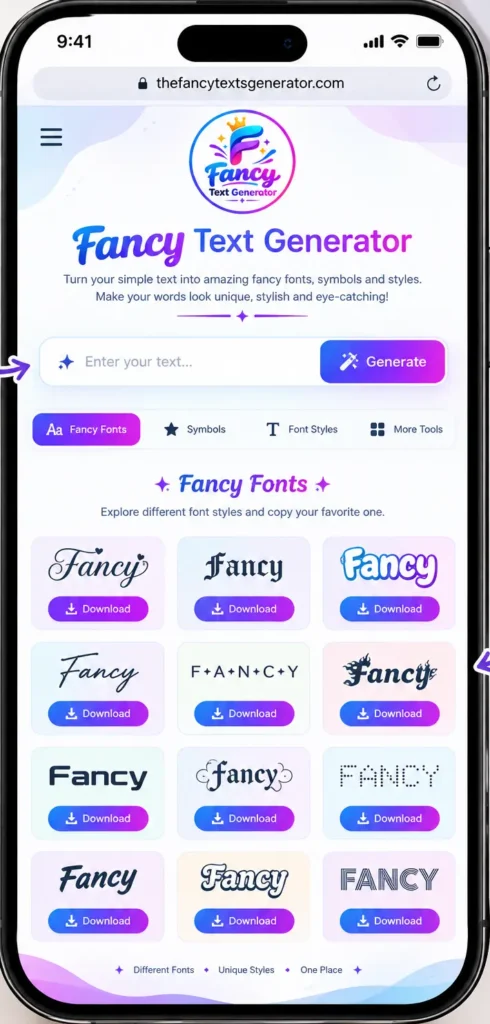
Browse the generated results and compare different appearances. You might prefer elegant cursive letters, bold characters, cute styles, or simple small caps.
Choose a style that suits the text you are creating. For example, cursive may suit a short personal phrase, while bold text can help a heading stand out.
Step 3: Copy Your Fancy Text
Once you find a style you like, click on the fancy text block beside that result. This copies the generated text so you can paste it without selecting every character manually.
Step 4: Paste It Into Instagram
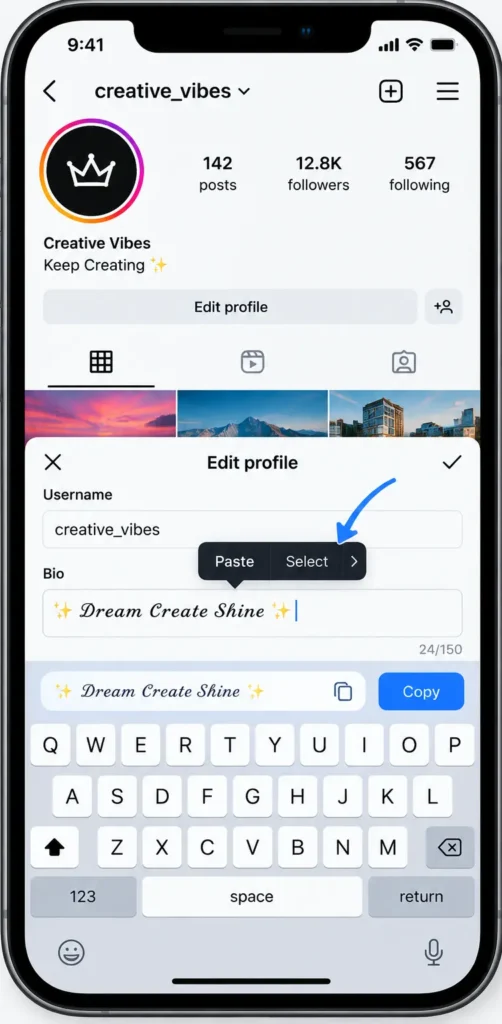
Open Instagram and navigate to the bio, caption, or other text field you want to update. Paste the copied text and check its appearance before saving or publishing.
If the text looks incorrect, try another style. Some decorative characters may not be supported in every field or on every device.
Best Fancy Font Styles for Instagram Bios
The best style depends on the impression you want to create. Here are some options to experiment with.
1. Cursive Fonts
Cursive characters have a flowing, handwritten appearance. They can suit short quotes, names, personal phrases, and creative bios.
Example: 𝒟𝓇𝑒𝒶𝓂 𝒷𝒾𝑔
Use cursive sparingly if your bio contains important details, such as your business name or contact information.
2. Bold Fonts
Bold-style characters can draw attention to a short phrase or important words.
Example: 𝐂𝐫𝐞𝐚𝐭𝐨𝐫 | 𝐓𝐫𝐚𝐯𝐞𝐥 | 𝐋𝐢𝐟𝐞
They work well for brief profile descriptions, but converting an entire bio into decorative characters can make it harder to read.
3. Small Caps
Small caps use compact-looking characters that create a subtle visual effect.
Example: ᴅʀᴇᴀᴍ ʙɪɢ
This style can be useful when you want something different without the heavier appearance of bold or Gothic lettering.
4. Cute Fonts and Symbols
Cute text styles can give a bio a playful look. You can also add a few suitable symbols, such as hearts or stars, to complement your words.
Example: ♡ 𝒮𝓂𝒾𝓁𝑒 𝑀𝑜𝓇𝑒 ♡
Keep decorative symbols relevant to your profile. Too many can make the text cluttered.
5. Gothic Fonts
Gothic-style characters have a dramatic appearance and may suit gaming, alternative, or dark-themed profiles.
Example: 𝔇𝔞𝔯𝔨 𝔙𝔦𝔟𝔢𝔰
Because some Gothic characters are harder to recognize, preview the result before using it in a username or important profile information.
Instagram Bio Ideas Using Fancy Text
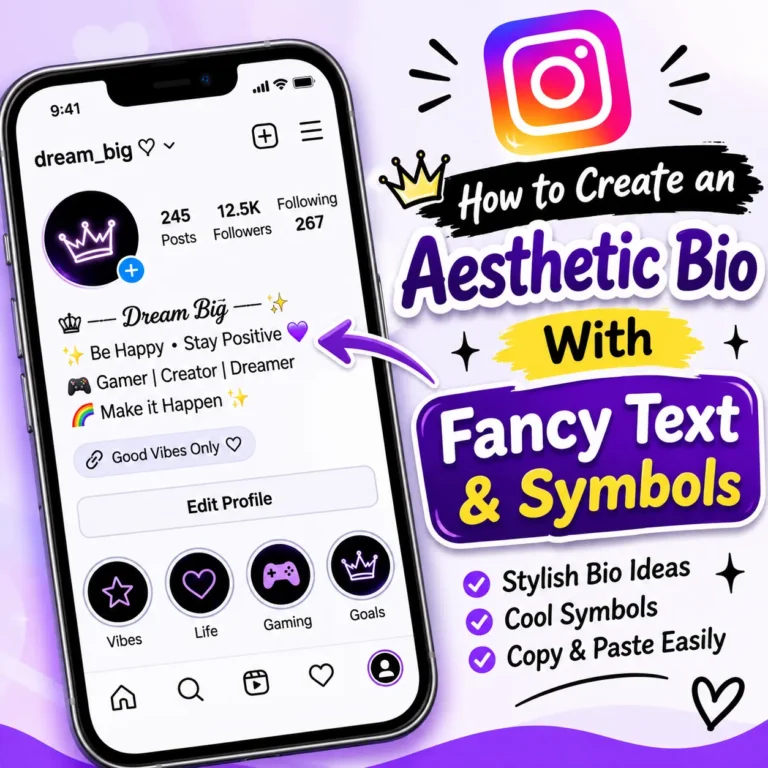
A good Instagram bio should express something about you while remaining easy to understand. You can style a short phrase and keep the rest in regular text.
Here are a few examples you can adapt:
| Bio style | Example |
|---|---|
| Minimal | ᴋᴇᴇᴘ ɪᴛ sɪᴍᴘʟᴇ |
| Motivational | 𝐁𝐞𝐥𝐢𝐞𝐯𝐞 𝐢𝐧 𝐘𝐨𝐮𝐫𝐬𝐞𝐥𝐟 |
| Elegant | 𝒞𝒽𝒶𝓈𝑒 𝓎𝑜𝓊𝓇 𝒹𝓇𝑒𝒶𝓂𝓈 |
| Cute | ♡ 𝓢𝓽𝓪𝔂 𝓢𝔀𝓮𝓮𝓽 ♡ |
| Creative | ✦ 𝐂𝐫𝐞𝐚𝐭𝐞 𝐘𝐨𝐮𝐫 𝐎𝐰𝐧 𝐒𝐭𝐲𝐥𝐞 ✦ |
These are examples of decorative text, not official Instagram font settings. You can create your own version by entering different words into the generator.
For the clearest result, consider styling just the first line of your bio and leaving practical information in standard text.
How to Use Fancy Text in Instagram Captions
Fancy text can also help distinguish a short heading, announcement, or key phrase in an Instagram caption.
For example, instead of writing:
New post is live! Check it out.
You could style the opening:
𝐍𝐄𝐖 𝐏𝐎𝐒𝐓 ✨
New post is live! Check it out.
This approach gives the opening a different appearance while keeping the rest of the caption easy to read.
You can experiment with decorative text for:
- Short announcements and updates
- Product or service highlights
- Inspirational quotes
- Event announcements
- Brief headings in longer captions
Avoid styling every sentence. Standard text is generally easier to read, search, select, and interpret with assistive technology.
Do Fancy Fonts Work Everywhere on Instagram?
Many Unicode characters can be copied into supported Instagram text fields, but compatibility is not guaranteed for every character or feature.
You may encounter a few issues:
- Empty boxes: The device or app may not have support for a particular character.
- Different appearances: The same character may look slightly different on different devices.
- Rejected text: A username or another field may have specific character restrictions.
- Readability problems: Decorative letters may be difficult for some people or assistive technologies to interpret.
If a style does not work, try a simpler variation. Always review the final text in Instagram rather than assuming it will look identical to the generator preview.
Also, remember that Unicode text is different from installing a font. A text generator creates alternative characters; it does not normally provide a downloadable font file
Frequently Asked Questions
Use an online fancy text generator. Enter your text, select a style, copy the result, and paste it into a supported Instagram text field. Preview it before saving
You can create decorative text using a free online generator such as the Fancy Text Generator. Basic text conversion does not require you to install a separate font app.
Many decorative Unicode characters work in supported bio text, but compatibility can vary. Keep important details readable and check your bio after pasting the text.
An empty box usually means that the device, app, or available font cannot display a particular character. Try a different style with characters that have broader support.
Usually, no. Many online generators create text using Unicode characters that you can copy and paste. This differs from downloading and installing a traditional font file.
You can try supported Unicode characters in captions and other text fields. For readability, use decorative styles for short phrases rather than converting an entire caption.
Create Fancy Fonts for Your Instagram Profile
Fancy text is a simple way to experiment with your Instagram bio, captions, and profile wording. Try cursive, bold, small caps, or decorative characters to find a style that fits your personality.
The key is to balance creativity with readability. Choose a style that displays correctly, keep important information clear, and preview your text before using it.
Ready to create your own style? Open the Fancy Text Generator, enter your text, copy your favorite result, and try it on Instagram.