15 Cool Fonts You Can Copy and Paste Anywhere
Sometimes plain text feels a little too ordinary. Whether you are updating a social media bio, choosing a new username, or writing a fun message, cool fonts can help your words look more expressive.
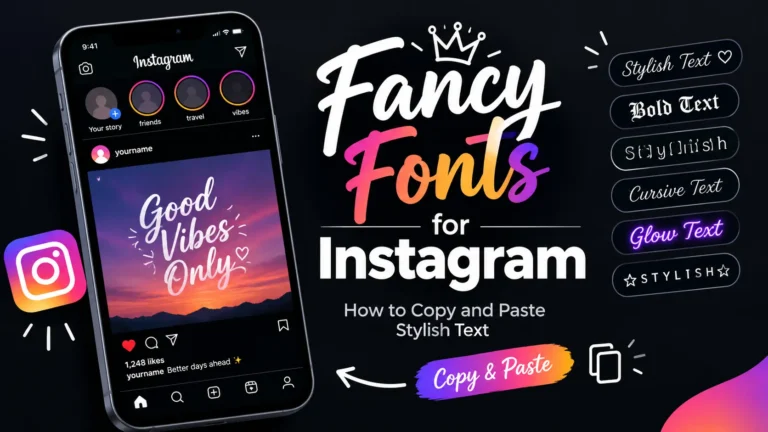
The easiest way to create these styles is to use a cool fonts copy and paste tool. Enter your text, browse the results, and copy the design that suits your needs.
15 Cool Fonts To Try:
Here are 15 popular text styles, using the phrase “Cool Text” as an example.
re 15 popular text styles, using the phrase “Cool Text” as an example.
- Bold: 𝐂𝐨𝐨𝐥 𝐓𝐞𝐱𝐭
- Italic: 𝐶𝑜𝑜𝑙 𝑇𝑒𝑥𝑡
- Bold italic: 𝑪𝒐𝒐𝒍 𝑻𝒆𝒙𝒕
- Script: 𝒞ℴℴ𝓁 𝒯ℯ𝓍𝓉
- Bold script: 𝓒𝓸𝓸𝓵 𝓣𝓮𝔁𝓽
- Fraktur: 𝔠𝔬𝔬𝔩 𝔗𝔢𝔵𝔱
- Double-struck: ℂ𝕠𝕠𝕝 𝕋𝕖𝕩𝕥
- Monospace: 𝙲𝚘𝚘𝚕 𝚃𝚎𝚡𝚝
- Circled: Ⓒⓞⓞⓛ Ⓣⓔⓧⓣ
- Squared: 🅲🅾🅾🅻 🆃🅴🆇🆃
- Small caps: ᴄᴏᴏʟ ᴛᴇxᴛ
- Fullwidth: Cool Text
- Upside down: ʇxǝ⊥ looƆ
- Underlined effect: C̲o̲o̲l̲ T̲e̲x̲t̲
- Decorative: ✦ Cool Text ✦
Character support can vary, so test the copied result in the app where you plan to use it.
Which Cool Font Should You Choose?
Different styles suit different situations.
For Social Media Bios
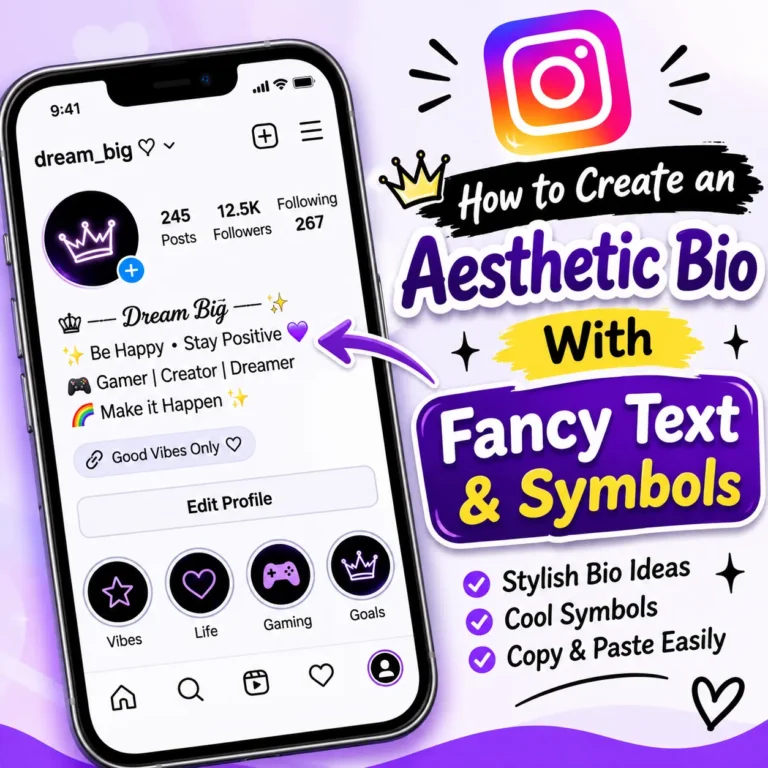
Script, small caps, and bold styles are useful for short profile descriptions. Choose a style that matches your overall aesthetic and keeps your information easy to understand.
For Gaming Usernames
Gothic letters, decorative symbols, and bold text can create a distinctive gaming identity. Keep your name simple enough for other players to recognize.
For Captions and Messages
Bold text works well for short headings, while cursive or decorative styles can add personality to a greeting or announcement.
For Minimal and Professional Profiles
Small caps or a limited amount of bold text can look cleaner than a bio filled with elaborate symbols.
How to Copy and Paste Cool Fonts
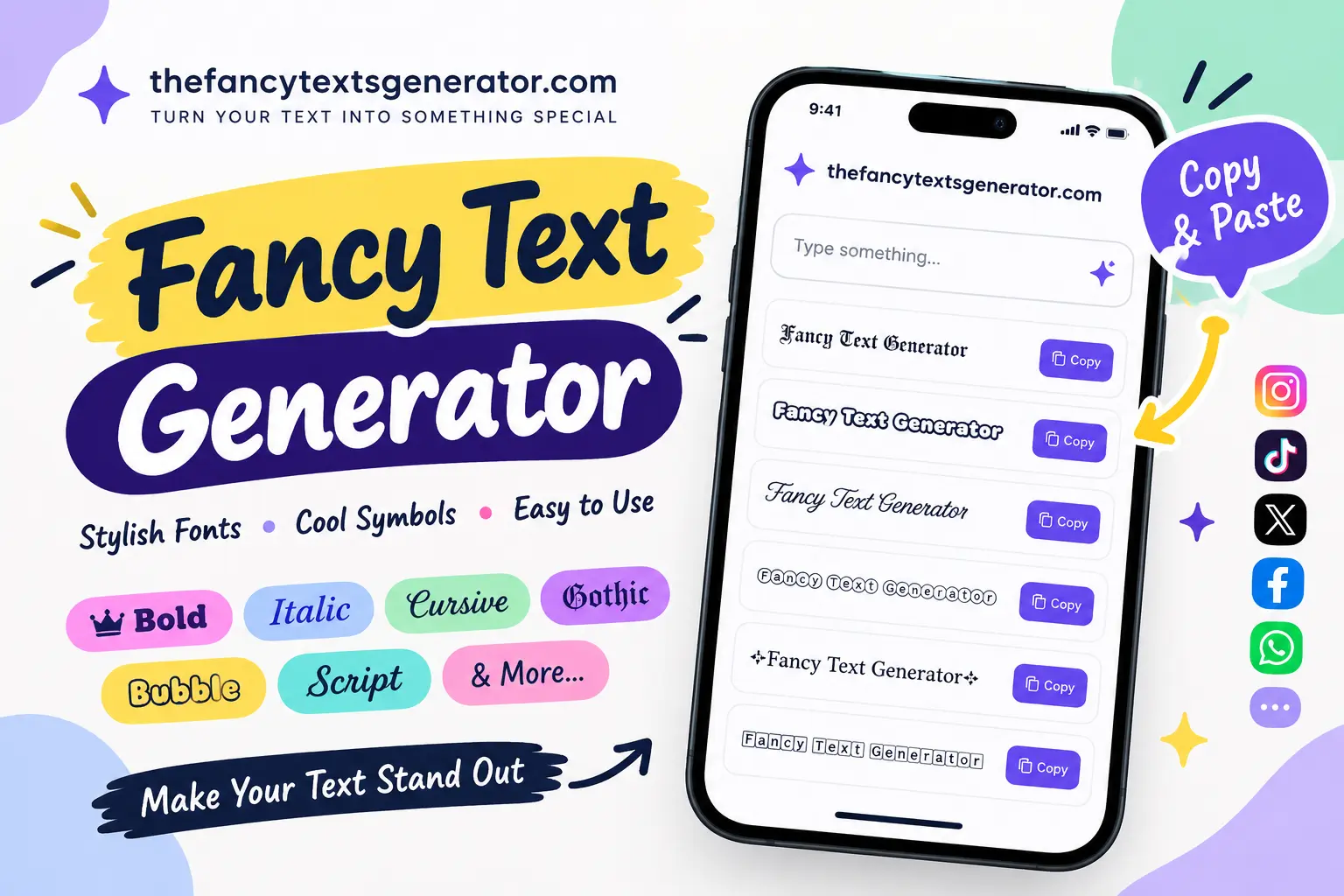
- Open the Fancy Text Generator.
- Enter a word, name, or sentence.
- Browse the generated text styles.
- Click Copy beside the version you like.
- Paste it into your preferred supported app or website.
You do not need to download a font file for Unicode-based text styles.
Are Copy-and-Paste Fonts Real Fonts?
Not in the traditional sense. Most fancy text generators replace ordinary letters with visually similar Unicode characters. A font file, by contrast, changes how characters are drawn by a compatible device or application.
This difference explains why fancy text can retain its appearance when pasted into certain text fields, although it will not work identically everywhere.
Why Might a Cool Font Not Display Correctly?
Some styles contain characters that a device, browser, or app cannot display. Others may look different across operating systems. Decorative combining marks can also affect readability.
If your text looks broken, choose a simpler style, remove unnecessary symbols, or test it on another device.
Frequently Asked Questions
You can use an online fancy text generator to create and copy Unicode text styles. Available styles and features depend on the tool.
Many Unicode styles work in supported text fields on these platforms, but individual characters and fields may have limitations.
A browser-based generator generally lets you create and copy text without installing a separate font file.
Simple bold, italic, and some small-caps styles are often easier to read than heavily decorated or glitch-style text.
There is no single best fancy font for every situation. Try a few options, compare their readability, and choose the one that suits your profile, message, or username.
Use the Fancy Text Generator to turn your own words into copy-and-paste text styles.